
Footwear Background Remover
Remove backgrounds from sneakers, heels, and boots. Clean cutouts ready for product pages, marketplaces, and ads.
Upload your image and remove the background in one click. No design skills required. The AI background remover anyone can use, with Keep Subject and Keep Background modes.
Drag image here
or
Click to upload
Max 5MB · JPG / PNG / WebP
Remove background, keep the main subject


Professional AI background remover that just works
Upload a photo and get a clean background removal in seconds. No manual selection, no design skills needed.
Standard mode keeps your subject on a clean cutout. Switch to Keep Background mode to erase the subject instead, ideal for scene cleanup and compositing.
Download a transparent PNG for design work, or apply white, black, or a custom color background. Ready for e-commerce listings and marketing materials.
Delivers solid cutouts for apparel, footwear, accessories, and portrait headshots. Ready for e-commerce listings and profile photos.
Real results from our AI background remover
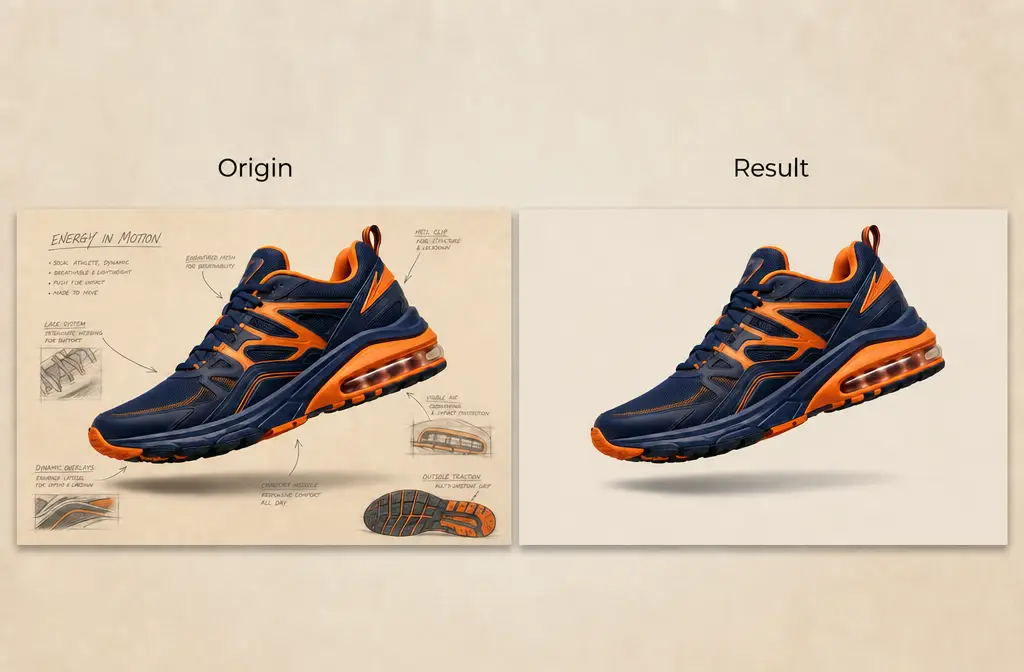
Remove backgrounds from sneakers, heels, and boots. Clean cutouts ready for product pages, marketplaces, and ads.
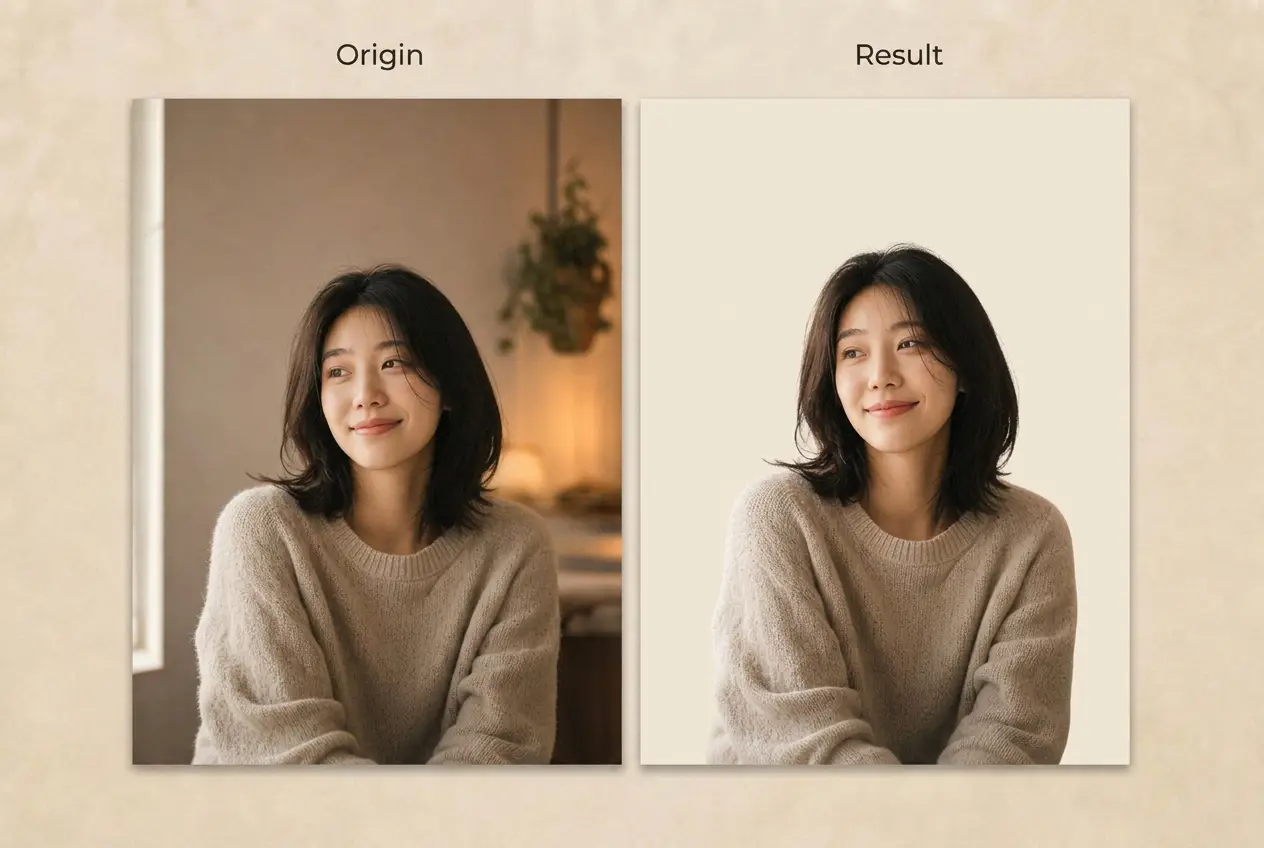
Cut out people cleanly for ID photos, profile pictures, and social media content.
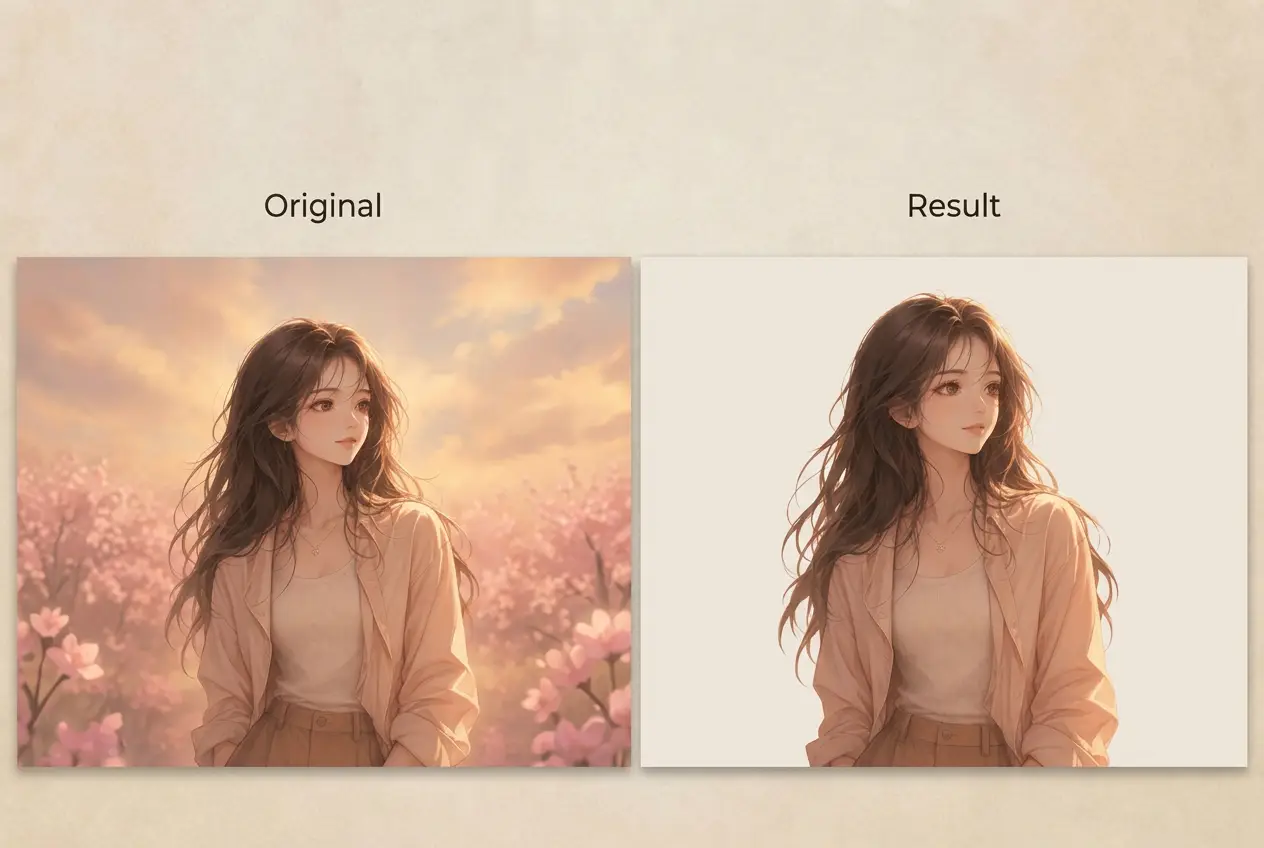
Remove backgrounds from anime characters and digital illustrations. Ready for portfolio displays, stickers, social avatars, and fan art.
Remove image backgrounds in three steps
Drag and drop a photo or paste an image URL. Supports JPG, PNG, and WebP up to 5MB.
Select Keep Subject to remove the background, or Keep Background to erase the subject. Then set the output to transparent, white, black, or a custom color.
Download your background-removed image as a high-quality PNG. Ready for e-commerce listings, design projects, or social media.
Common questions about background removal
A background remover is an online tool that detects the main subject in a photo and separates it from the background. The output is a transparent PNG you can place on any new background. Our tool also supports the reverse: erase the subject and keep the background intact.
The tool performs well on product photos such as apparel, footwear, and accessories, as well as portrait headshots and objects with clear edges. Very fine hair strands or translucent materials may be less precise. For best results, use photos with clear contrast between subject and background.
Reverse background removal erases the subject while keeping the original background. Switch Output Mode to Keep Background to enable it. Useful for scene cleanup, removing unwanted objects, or creating clean-plate shots for compositing.
Common uses include e-commerce product photos, portrait headshots, ID photos, social media profile pictures, marketing materials, and design assets. The reverse mode is useful for scene cleanup and photo compositing.
You can upload JPG, PNG, and WebP files. Results are exported as PNG to preserve transparency.
Images must be under 5MB and under 4 million total pixels, for example 2000×2000 or 2828×1414. If your image exceeds these limits, resize it before uploading.
Yes. In Keep Subject mode, select Transparent as the background type to download a clean transparent PNG. You can then place it on any background in your design tool.
Yes. Besides transparent, you can set white, black, or any custom color as the new background. Useful for ID photos, e-commerce product shots, and profile pictures.
Most images are processed in under 5 seconds. Very large images or peak traffic may take a bit longer.
Each background removal costs 1 credit regardless of mode or output type. If processing fails, the credit is automatically returned to your account.
You can try the background remover for free. New accounts receive free credits to get started. Additional credits are available through paid plans if you need more.
Yes. Processed images can be used for personal and commercial projects including e-commerce, social media, and marketing materials, as long as you own or have rights to the original image.
No. We never use your uploads to train models. Images are kept temporarily to deliver your result and deleted from our servers shortly after processing.
Use well-lit photos with clear contrast between subject and background. Sharp, focused images produce cleaner edges. For product photos, shooting against a plain background before removal gives the best output.
Start removing backgrounds in seconds. No credit card, no signup tricks.